Smart Summaries, Instant Insights
Summarize long articles, posts, and documents in one click with advanced AI.
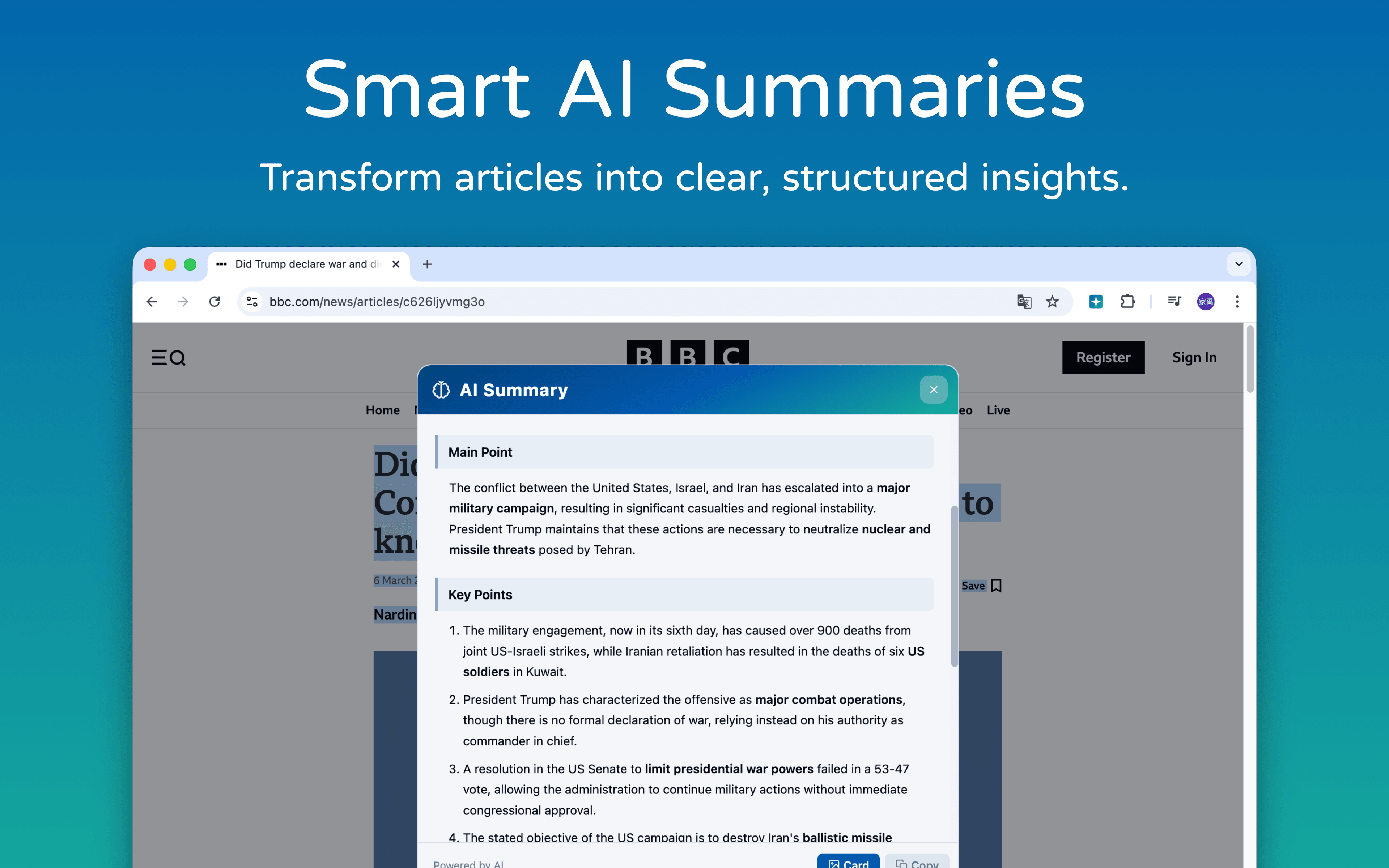
Read, organize, and ask more
Pages, PDFs, and coding tasks in one focused workflow.
Chrome Built-in AI
Gemini Nano runs on-device with no API key or cloud cost.
Gemini Nano runs fully on-device. No API key, no cloud cost, and your content stays in Chrome.
5 AI Engines, Free Switch
Switch between Chrome AI, OpenAI, Gemini, Meta, Grok, Kimi, and DeepSeek by task.
Follow Up as You Read
Keep asking in the side panel without losing context.
Chat with Five PDFs
Upload up to five PDFs to OpenAI, Gemini, Meta, or Grok for ongoing chat.
Highlight to Summarize
Select a passage and get structured key points.
Solve Coding Problems
Get an approach, clear steps, and complete code.
Search the Live Web
OpenAI, Gemini, Meta, and Grok support live web search to keep answers current.
Summarize in four steps
Install, choose, summarize, and keep exploring.
Install the Extension
Add it to Chrome and start summarizing.
Choose an AI Engine
Pick Chrome AI, OpenAI, Gemini, Meta, Grok, Kimi, or DeepSeek.
Select or Summarize
Highlight a passage or summarize the full page.
Ask More or Export
Follow up, then save the result as a card.
A Clear Interface
Popup, side panel, and cards — without the clutter.
Frequently Asked Questions
Straight answers on price, privacy, and features.
Read less. Understand more.
Install free and summarize selected text in one click.